


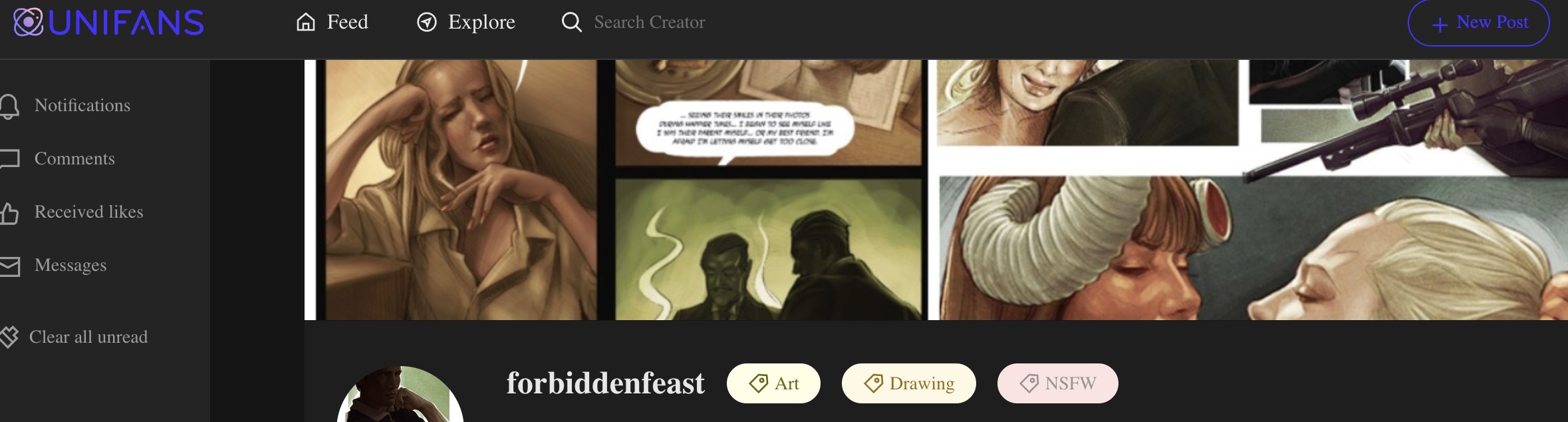
Unifans Link: https://app.unifans.io/c/forbiddenfeast
For Chinese Users using WeChat/Alipay:
【主页右上角的充值→卡券中心→购买卡券→任选金额,点击充值→
Follow these steps (In English):
- Visit https://app.unifans.io/c/forbiddenfeast and log in or create an account if you haven’t yet already.
- Click “Recharge” in the upper right corner of the website.
- Click “Voucher Center.”
- Click “Purchase Voucher.”
- Choose any amount and click “Purchase.”
- The site will show a price list and store names. Copy any one of the store names, then search for it on Taobao (one of the largest shopping websites in China) and purchase the voucher card from that store.
- Redeem the voucher on Unifans.